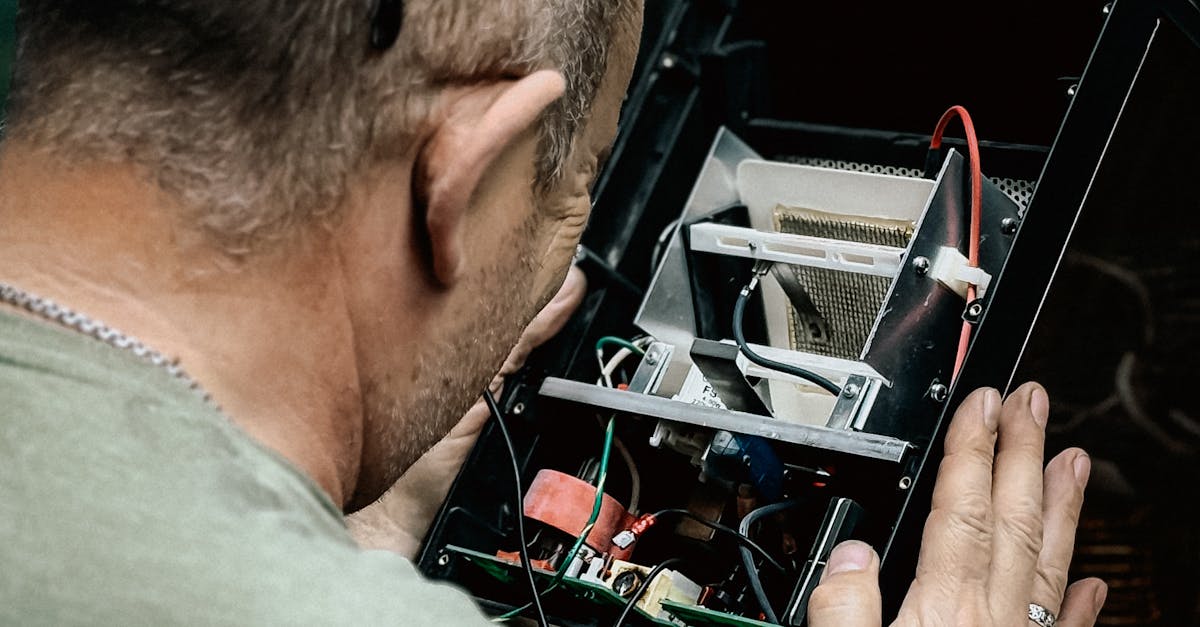
You see the dreaded “Communication Lost” alarm on your APC Smart-UPS or Symmetra. Maybe you got a remote alert, or the LCD’s flashing at you. Power is still up, but you can’t monitor status, logs, or runtime safely. Or maybe your managed shutdown scripts and SNMP notifications are offline. We know how disruptive this can be—especially if you’re the go-to person for keeping your data centre, branch, or critical plant online across Canada.
What Does the “Communication Lost” Alarm Mean?
This alarm comes up when the UPS can’t talk to its internal Network Management Card (NMC) or an expansion module—common on APC Smart-UPS Online, regular Smart-UPS, and Symmetra series. In simple terms: something’s broken in the signal path between the UPS intelligence module and your remote monitoring or alerting tools. Power typically keeps flowing, but it means you might not see battery failures, runtime warnings, or shutdown triggers until it’s too late.
Quick Checklist: Safe Steps Before Calling for a Technician
- Check if power, runtime, and alarms are stable on the UPS display.
- See if you can get into the NMC web interface or SNMP remotely.
- Record the exact alarm or event log message, plus the model and serial number.
- Look for signs of loose or unplugged network/communication cables—don’t open the UPS chassis.
- If you’re not 100% sure, stop. If the UPS is in production, don’t try resets or power cycles without a planned window.
Field-Tested Diagnostic Flow (No Unsafe Steps)
- Review the event log. On most Smart-UPS and Symmetra models, you can access the log via the front panel, PowerChute, or NMC web page (if accessible). Note the frequency of “Communication Lost” and if it ever re-establishes, even briefly.
- Try reseating the comms cable. If it’s an external network or serial cable and you can reach both ends safely, unplug and reconnect both ends. Use a known-good cable for a test if you have one.
- Reboot the NMC—carefully. On most Smart-UPS, unplug the network cable from the card, wait 30 seconds, and plug it back in. This often restores comms if it’s just a device hang.
- For Symmetra owners—XR frame/card seating. If you’re trained and your UPS is in bypass, you can reseat the XR communications card by following manufacturer instructions exactly. If not, stop here and get help from a qualified tech.
- Critical: Never open the UPS, remove covers, or touch high-voltage sections. If diagnostics need anything more, call for service.
Quick Action Table: Communication Lost (APC Smart-UPS / Symmetra)
| Check | How to Do It Safely | Common Finding | Next Step if Not Fixed |
|---|---|---|---|
| Event Log | Web/NMC panel or PowerChute | Lost message only, no re-connect | Try reseating or reboot NMC |
| Network/Comms Cable | Visual check, unplug/replug at card & switch | Loose or oxidized cable | Replace cable, retry |
| NMC (Network Card) | Remove network cable for 30 sec, plug back | Card comes back online | If not, may need replacement/card reseat |
| Symmetra XR Card | Only if bypassed and trained: reseat card | Loose or dusty XR card | Call service if alarm stays |
When to Stop and Get a Technician Involved
If reseating the NMC or comm cable doesn’t fix it—or you can’t access the affected card safely—book a service visit. Never attempt to open a Smart-UPS, Galaxy, or Symmetra cabinet yourself. Internal battery trays, logic boards, and comms modules are high-voltage or sensitive, even on bypass. For government, regulated, or hospital sites, this is a non-negotiable compliance step.
For Procurement and Facility Managers: How to Reduce Downtime Risk
A communication fault disables remote alerts and sometimes disables auto-shutdown in the event of outages. If the UPS can’t talk to your DCIM, shutdown scripts, or SNMP tools, you can’t verify runtime, battery health, or temperature alarms. Many businesses find that this is when unplanned downtime events go from a warning to a real risk.
- Schedule annual or semi-annual preventive maintenance—includes inspection, log review, firmware/NMC check, and load test by APC Service Canada. You’ll get written bilingual reports for compliance (including asymmetry, event log, and battery state of health).
- Stock critical spares—keep at least one extra NMC3 or SYXRCC on site for larger or multi-site deployments in Canada.
- Plan a maintenance window—for any work on internal modules, schedule outside production hours with an external bypass if possible. On systems like the Symmetra PX, always test bypass well before starting.
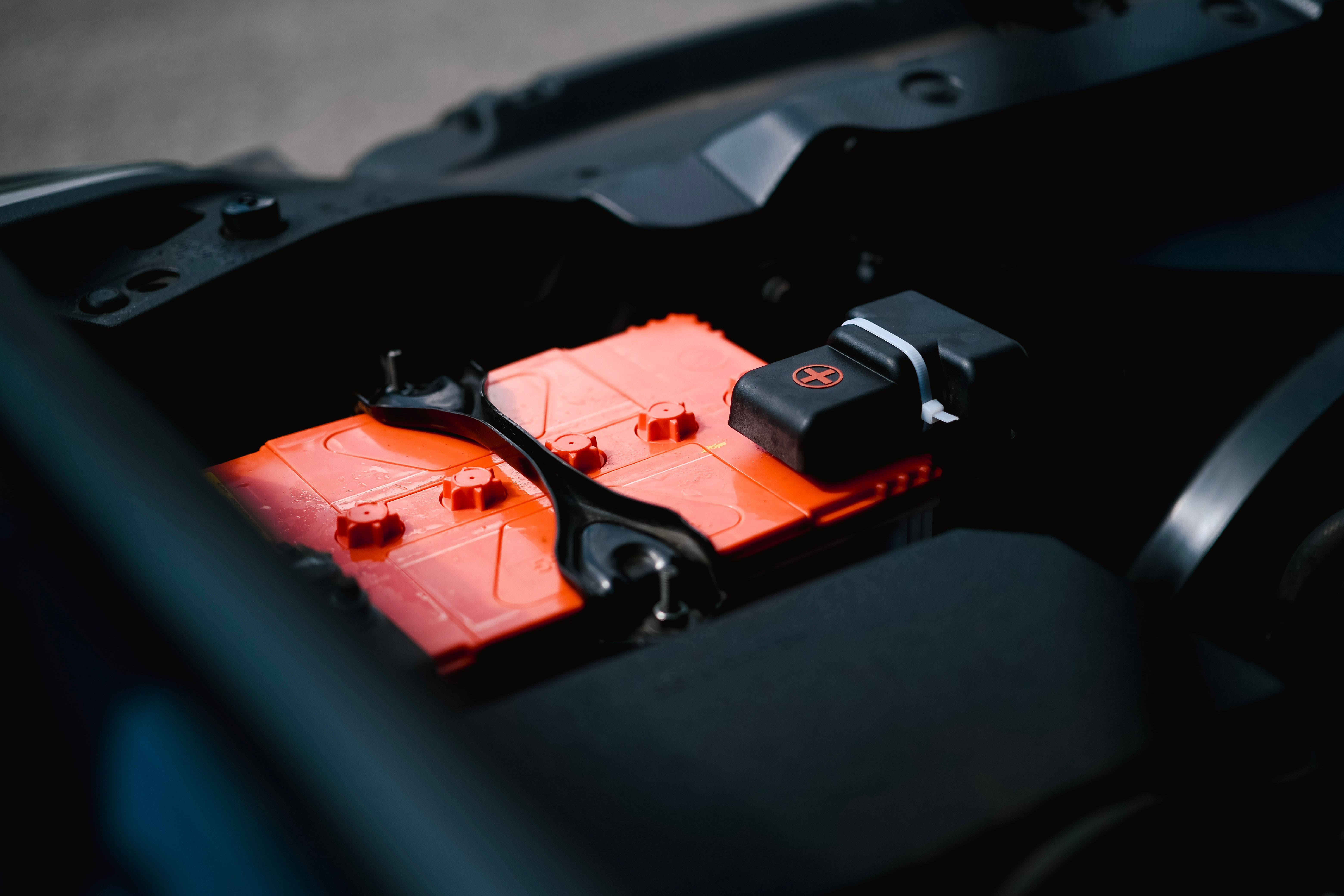
- Track battery ages—mark last replacement and plan for swap at 3–5 years (VRLA) or as runtime drops (see this battery replacement guide).
- Keep documentation up to date—you need event logs, model/serial, and maintenance records for regulated facilities (healthcare, government, finance).

“What We Need from You to Quote or Schedule”
To get a fast quote or schedule on-site service, send us:
- APC UPS model and serial number (label on rear, e.g., SMT2200, SYH4K8A, SRT5000)
- Current load (approximate percentage or wattage)
- Detailed alarm or screenshot of the event log
- Battery age or last replacement date, if known (see how to identify your RBC)
- Your location and site access (business hours, security, after-hours?)
Email info@apcservicecanada.com or call 1 (438) 881-3363. We’ll reply within 2 business hours with your options and window.
Where to Find Replacement NMCs and Spares
If you know the comm card or NMC needs swapping, we can source OEM-compatible cards for most APC models. We recommend sourcing through trusted Canadian suppliers. Here are a few direct links for reference and to help with sizing and availability:
- Smart-UPS replacement and spares sourcing
- Symmetra NMC modules or battery part reference
- Book a preventive maintenance visit
Best Practices for Long-Term UPS Communication Health
- Label your network cables and keep spares handy for all your UPS and managed PDU interfaces.
- Document firmware versions during every maintenance cycle—plan to update if you’re below recommended for your model.
- Don’t ignore even one “Communication Lost” event—log and escalate patterns before you lose control of runtime visibility.
- Train your facilities or IT team on what checks are safe, and where to stop and call APC Service Canada.

FAQ: Smart-UPS & Symmetra Communication Lost in Canada
What does “Communication Lost” mean for my Smart-UPS or Symmetra?
This means your UPS isn’t talking to its monitoring/control card—so you can’t trust remote runtime data or alarm relay output. It’s usually a cable, card, or power blip—not a full system failure.
Can I keep running with this alarm?
The UPS will usually keep protecting your load, but remote logs and alerts won’t work. You can’t detect new battery, temp, or overload events from your desk until it’s fixed.
Is it safe to reseat or replace the network card or XR comm card?
If it’s fully external and accessible (no covers removed, no tools needed), yes—as long as you have basic ESD precautions. If the step involves opening the UPS chassis, or you’re unsure, stop and get a field tech. Safety and compliance come first.
Will reseating the comm card or cable fix most cases?
Many repeated “Communication Lost” alarms (especially after a maintenance window or cable knock) are resolved by a reseat or cable swap. But if alarms persist, a failing module or internal fault may need replacement.
How quickly can you dispatch in Canada?
APC Service Canada offers same-day or next-day support across all major metro areas, plus 1–3 hour emergency response in Montreal, Toronto, Calgary, Edmonton, Ottawa, Vancouver and most regional hubs.
Should we replace the batteries too?
If battery age is 3–5 years (VRLA), or runtime is dropping (see this post), get a battery quote or book replacement along with your service visit for fewer visits and more predictable maintenance.
Where can I get more APC replacement parts in Canada?
You can source OEM-compatible spares and batteries directly from trusted Canadian product suppliers, like upsplusbattery.ca.
Conclusion & Your Next Step
“Communication Lost” on your Smart-UPS or Symmetra is serious for Canadian sites that need uptime—with a few safe checks you can often restore monitoring before it causes a bigger failure. If not, reach out for reliable field service or consult a preventive maintenance plan to avoid emergencies in the first place.
If you need a specific part quote, service visit, or a full battery replacement schedule, send us your APC model, serial, battery age, and event log screenshot. We’ll respond fast, get you a compliant report, and minimize downtime. Start with APC Service Canada for expertise, trusted support, and field-tested reliability across the Smart-UPS, Symmetra, and Galaxy lines—or to save time on future calls, request maintenance or a battery quote at gdftech.com.